

trip1 browser extension
Same hotel. Lower price.
Browsing hotels on Booking.com, Expedia, Hotels.com, Agoda, Trip.com or Google Hotels? trip1 checks the same hotel for the same dates and shows you, right on the page, when trip1’s price is lower.


Works in Microsoft Edge too.
Compare without searching twice
Works on Booking.com, Expedia, Hotels.com, Agoda, Trip.com, Google Hotels.
Browse as usual
Search and open hotels on any supported site. Nothing to type twice.
trip1 checks the same stay
The same hotel, dates and guests, priced on trip1 in the background while you look.
Book it on trip1
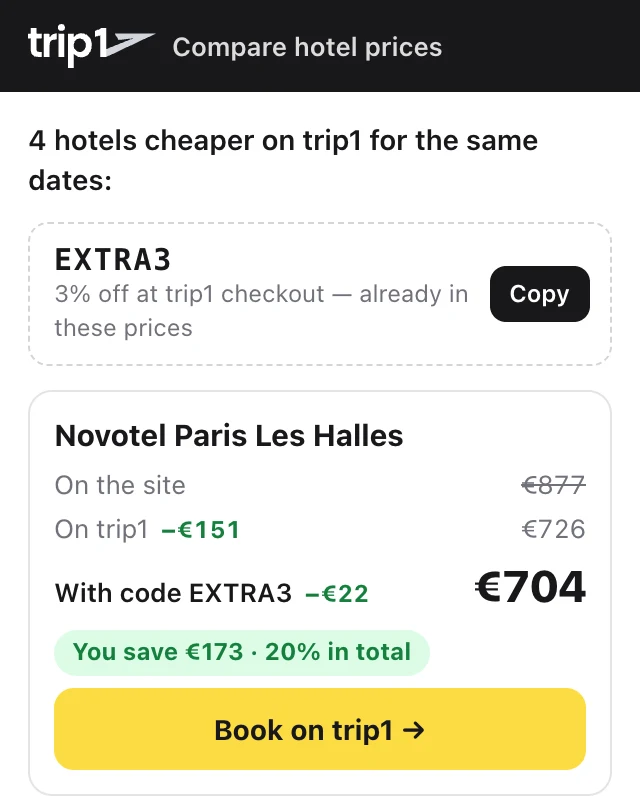
When trip1’s price is lower, a small panel shows both prices and the difference. One click opens it on trip1.
From install to booking in a minute
Install it
Add trip1 from the Chrome Web Store or Firefox Add-ons. Edge installs it from the Chrome Web Store too.
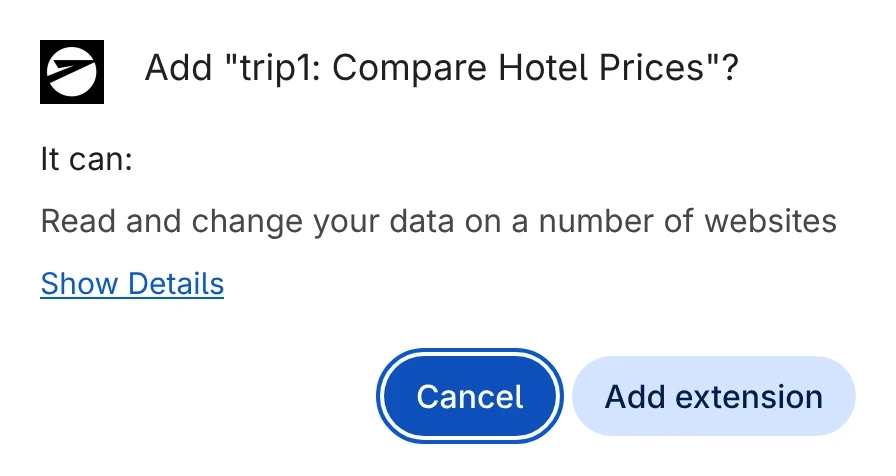
Pin it to the toolbar
Click the puzzle-piece icon next to the address bar, then the pin next to trip1, so its icon is always one click away.
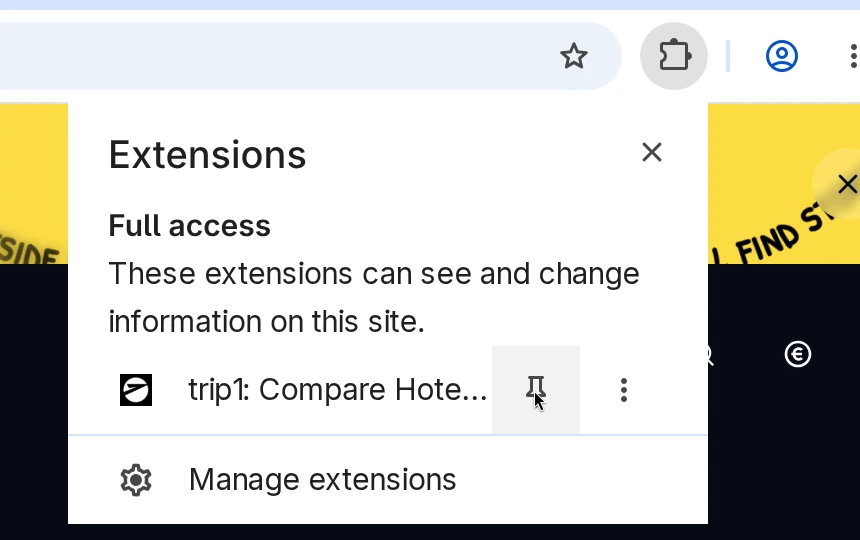
Search hotels with your dates
Open a hotel search or a hotel page on a supported site, with dates. “Comparing prices with trip1…” appears in the bottom-right corner while it checks, which can take up to a minute.

See where trip1 is cheaper
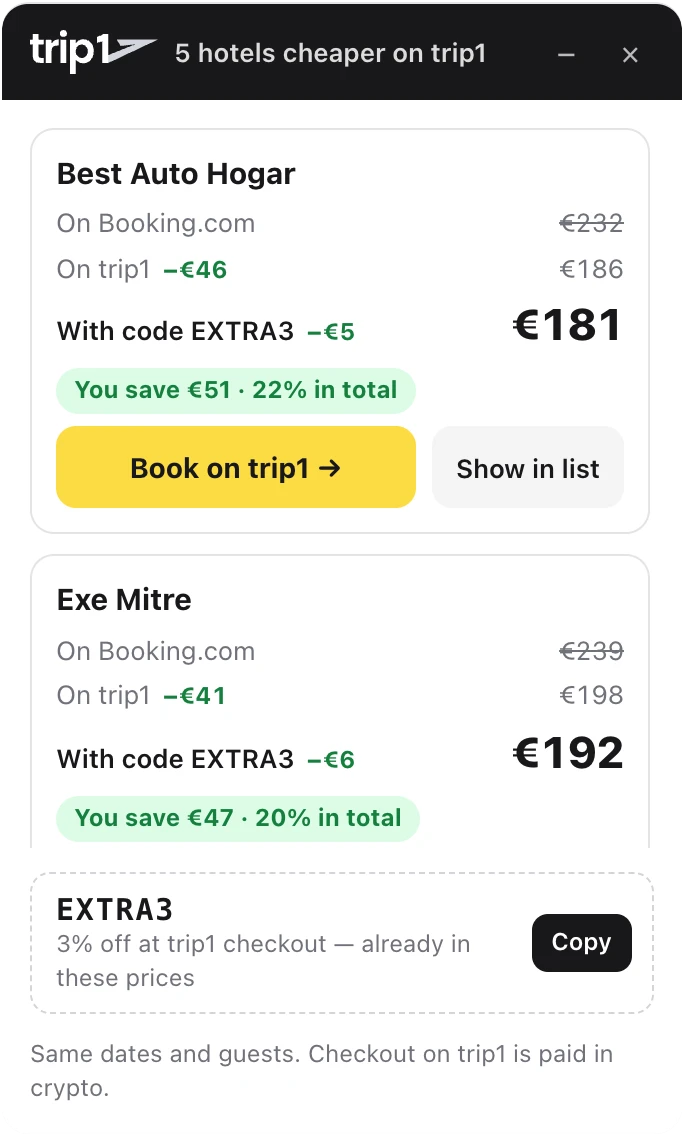
When trip1 is cheaper, a panel in the same corner lists each hotel with both prices and the difference.
Find it in the list
“Show in list” jumps to the hotel in the site’s results, marked with trip1’s price and the difference.

Book on trip1
Click “Book on trip1” to open the same stay on trip1. On a hotel’s own page, the panel compares that one stay.
Or open the popup
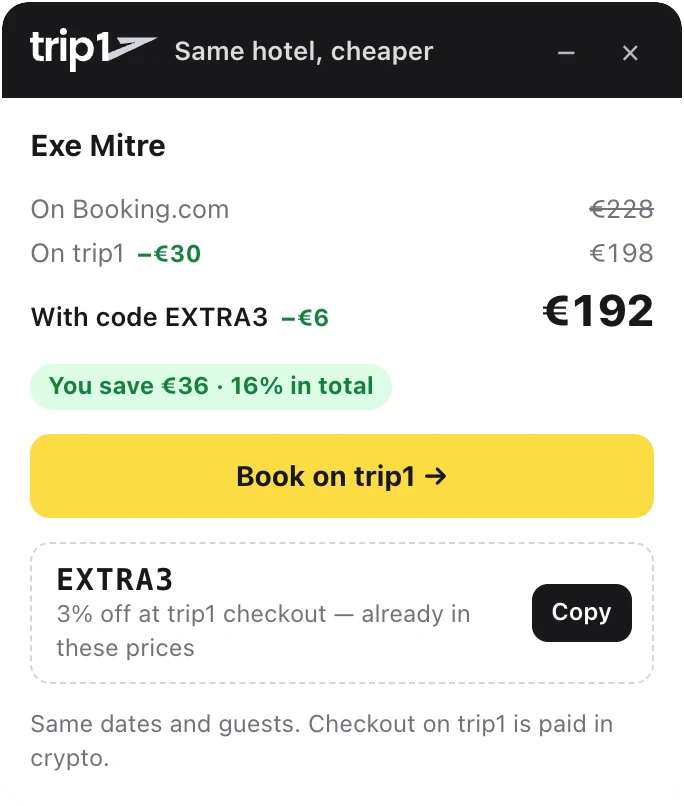
Click the trip1 icon in the toolbar for the same result on any tab, or to switch the “Comparing prices” note off.
What the extension reads and sends is set out in the privacy policy.
Questions that come up
Yes. Installing and comparing prices costs nothing, and you don’t need an account to compare.
Booking.com, Expedia, Hotels.com, Agoda, Trip.com, Google Hotels. More are on the way.
trip1 compares the same hotel for the same dates and guests, at the price each site shows. Room type, meals, cancellation terms and how taxes are shown can differ, so check them on trip1 before you book.
trip1 sources hotel rates from multiple suppliers, so the same hotel for the same dates is sometimes priced lower on trip1 than on the site you’re browsing. Prices move all the time, which is why the extension checks every stay you look at.
Nothing on the page. The panel only appears when trip1 is cheaper. Click the extension’s icon and it tells you there’s no lower price on trip1 for those dates right now.
When trip1 has a discount code running, the panel shows it with the price after the code, so the difference you see already counts it. Copy it from the panel and enter it at trip1 checkout.
It asks for as little as it can: it runs only on the supported hotel pages, and sends what it reads only to trip1, plus anonymous usage statistics. All of its code ships in the version the browser store reviewed, it adds no affiliate links or cookies to other sites, and it never changes the site’s own prices or bookings. Every link it draws goes to trip1.com.
Only on the supported hotel sites. It sends trip1 the page address, the destination, your dates, the number of rooms and guests (with children’s ages), whether you are signed in to that site, and the hotels and prices the page shows, with a random install ID, to find the same stay. trip1 keeps this for up to 18 months. It never reads other sites, and never collects your name, email or payment details. Anonymous usage statistics help us improve it; on Firefox they are off unless you allow them.
Bookings on trip1 are paid in crypto, through CoinGate’s checkout with 120+ cryptocurrencies.
Chrome, Microsoft Edge, and Firefox 140 or newer.